
Sign In overview
Cloud-based guest network with a branded Captive Portal, a range of Sign In Modules, Access Policies, and Cisco-native integrations.
Sign In is Netgraph’s cloud-based guest network solution. It pairs a branded Captive Portal with a library of authentication methods so guests — visitors, contractors, event attendees, residents — can onboard themselves while administrators keep control over who gets what kind of access.
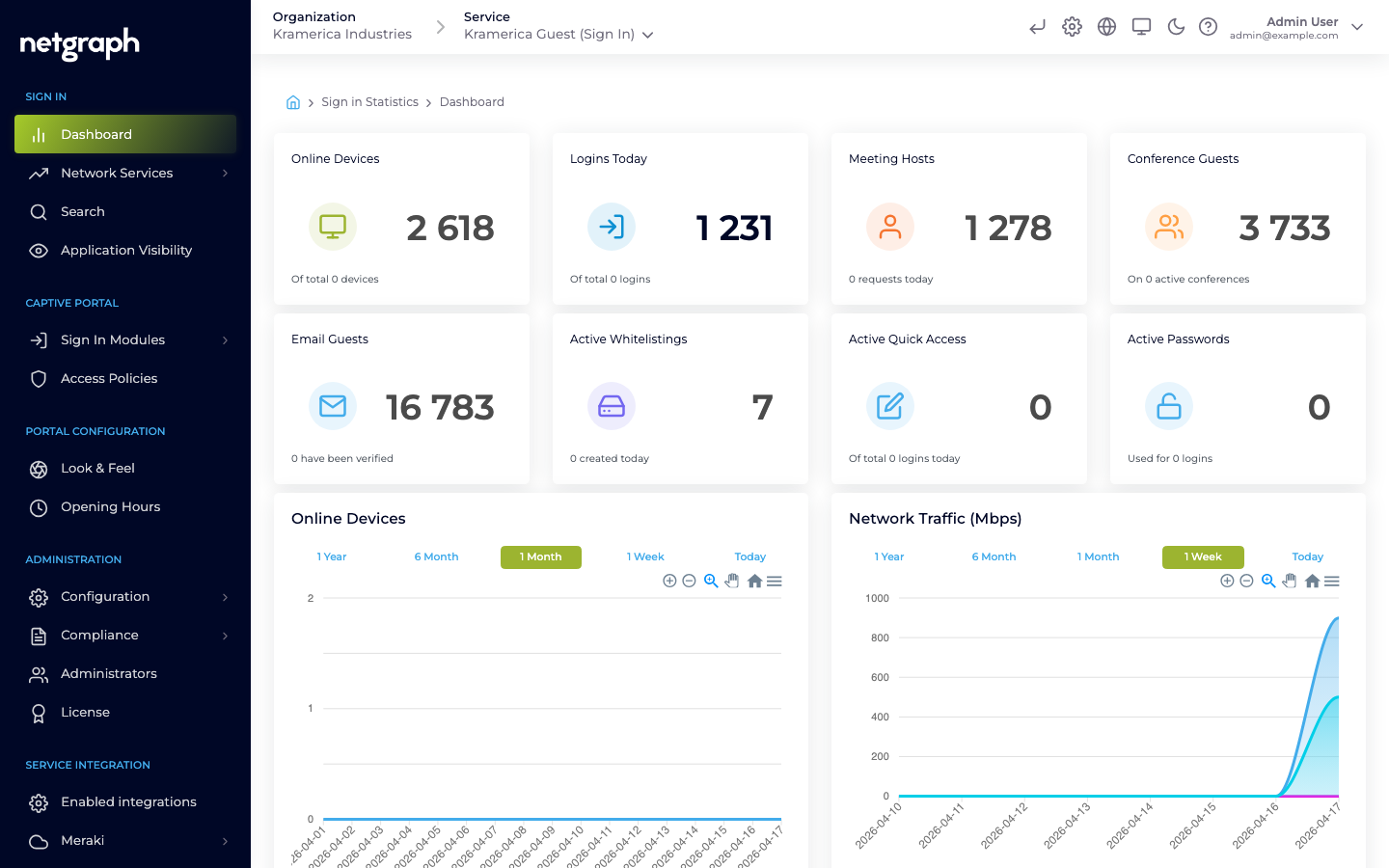
Sign In is consumed as a Sign-In Context inside an Organization. An Organization can run one or more Sign-In Contexts (for example, one per venue or per audience). For the hierarchy that frames this, see Platform hierarchy.
What Sign In provides
Section titled “What Sign In provides”- A Captive Portal — brand-customizable (logo, colors, fonts, background), responsive, and shipped in 13 languages. Organizations can override any string per locale.
- 10+ Sign In Modules — the authentication methods guests use. Combine them however your audiences need: Meeting Host approval, self-provisioning via Email or SMS, SAML SSO for BYOD, RADIUS against a library or visitor system, Click-to-Connect for instant access, Whitelisting for headless devices, and more. See Sign In Modules.
- Access Policies — per-audience rulesets that control which modules are enabled, how long sessions last, how many devices a guest can register, and more. See Access Policies.
- A Self-Service Portal — guests and hosts manage their own devices, guest approvals, and conferences without involving administrators.
- Cisco-native integrations — Meraki (direct API) and Service Gateway (routed deployment on Cisco Catalyst / IOS-XE / SD-WAN).
- Webhooks — stream login and session events into a SIEM, log-management platform, or custom endpoint.
- Compliance controls — data retention, GDPR data search, audit of administrative actions.
Who operates Sign In
Section titled “Who operates Sign In”Sign In is operated by Organization administrators in the Admin Dashboard. You create a Sign-In Context, configure its modules and policies, manage branding and integrations, and respond to device approvals and audit events — all from inside the Organization.