
Endpoint Manager for Cisco ISE overview
Hand out day-to-day endpoint administration in your Cisco ISE — per group, to the people who actually own those endpoints — without giving anyone an ISE login.
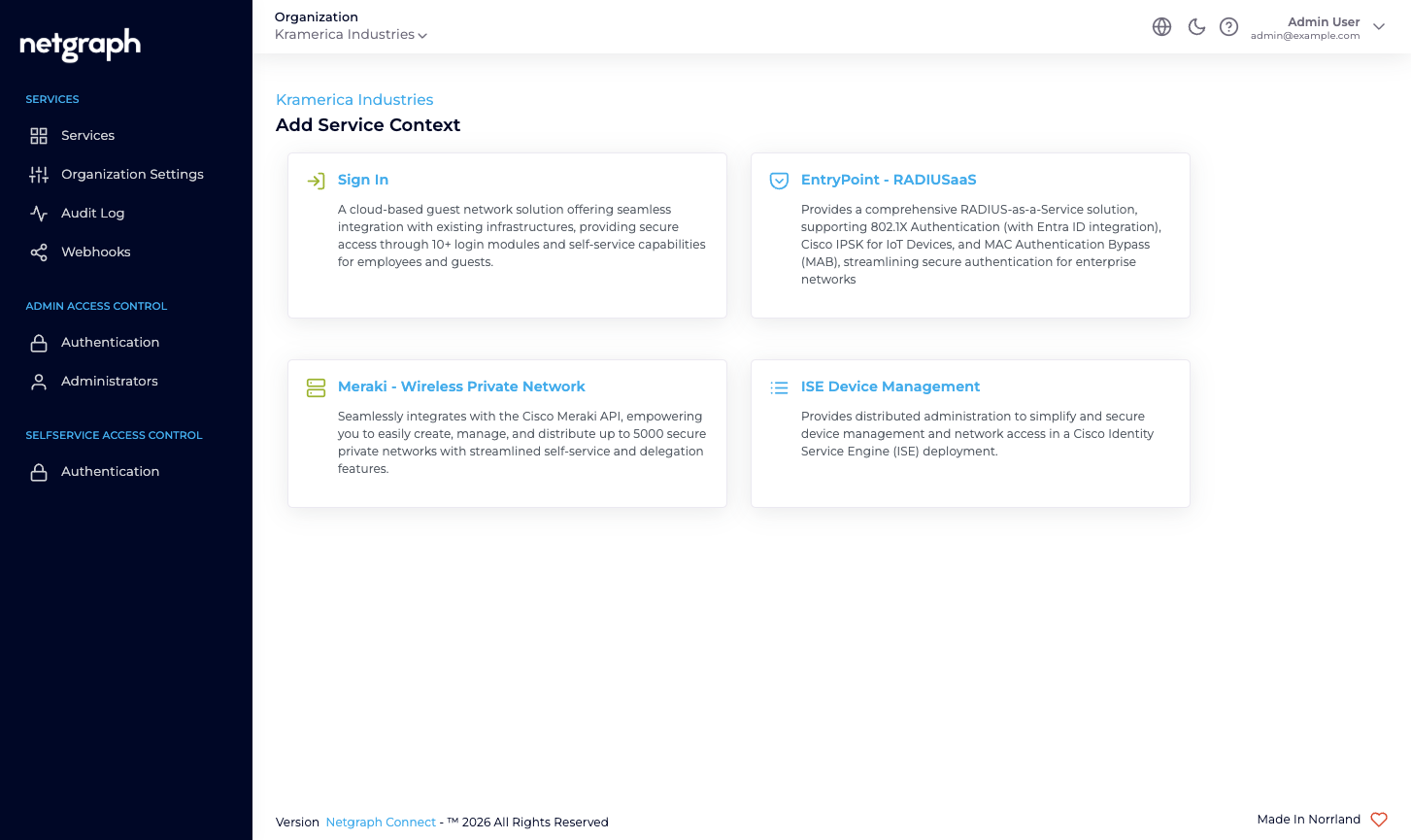
Endpoint Manager for Cisco ISE — labelled ISE Device Management in the admin — lets you delegate the care and feeding of MAC-authorised endpoints in your own Cisco ISE, one Endpoint Identity Group at a time, without giving delegated admins access to ISE itself. The people who know what belongs on the network — the telephony vendor, the security contractor, the AV integrator — add, move, update and remove the endpoints in their group from a Self-Service portal. They manage their own inventory; you keep the ISE admin seat.
It is designed for Cisco ISE deployments that authorise endpoints by MAC or hold per-endpoint identity (iPSK, profile-driven attributes, Security Group Tags, VLAN assignments) and where maintaining those lists has become a bottleneck because the knowledge lives somewhere other than the network team.
Endpoint Manager for Cisco ISE is not in the authentication path: your endpoints keep authenticating against Cisco ISE exactly as before. The platform reaches your ISE over HTTPS, or privately over a Service Connector (IPSec), and maintains the endpoint records inside the Endpoint Identity Groups you opt in.
The core idea — distributed administration of ISE Endpoint Identity Groups
Section titled “The core idea — distributed administration of ISE Endpoint Identity Groups”A Cisco ISE Context connects the platform to an ISE instance you already run and surfaces its Endpoint Identity Groups. You opt each group in to managed administration, one by one, and invite one or more Self-Service Users to each managed group. For example:
IP_Phonesis managed by a Group Administrator from your telephony vendor.Camerasis managed by a Group Administrator from the security contractor.Conference_Room_Displaysis managed by a Group Administrator from the AV integrator.Digital_Signageis managed by a Group Administrator from the marketing agency.
Each Group Administrator sees only their own group, adds and removes MACs there, optionally delegates to colleagues, and never logs in to ISE. You keep a single view of all managed groups — who owns what, how many endpoints are in each, who is an administrator where — from the admin dashboard.
Distributed administration is one shape. BYOD onboarding for ISE deployments, per-vendor IoT inventory, and shared-lab equipment sign-out all work the same way: a Context, one or more Endpoint Identity Groups, and the right delegated administrators on each.
What Endpoint Manager is not
Section titled “What Endpoint Manager is not”- Not a RADIUS service. Your Cisco ISE continues to do all authentication and authorization — 802.1X, MAB, iPSK, profiling rules, authorization policies. Endpoint Manager sits next to ISE, not in front of it.
- Not a replacement for ISE’s admin UI. You still run ISE’s own admin for policy work, identity sources, certificates, and the rest. Endpoint Manager only covers the per-endpoint, per-group work you want to delegate.
- Not the same as EntryPoint’s iPSK for Cisco Networks. EntryPoint’s iPSK is a Netgraph-hosted RADIUS service that serves iPSK directly to your Cisco controllers. Endpoint Manager can generate and rotate a Wi-Fi key too, but it writes that key onto an endpoint record that your Cisco ISE serves, and ISE keeps making every authorization decision. Two distinct Services for two distinct deployment shapes: if Cisco ISE is your RADIUS, you want this one. See Identity PSK.
- Not a Meraki-side tool. If your shared-SSID, per-unit key deployment is on Meraki, look at EasyPSK for Cisco Networks.
Who operates Endpoint Manager
Section titled “Who operates Endpoint Manager”Organization administrators connect the platform to their Cisco ISE (one-time API credentials), decide which of ISE’s existing Endpoint Identity Groups to bring into managed administration, and invite a Group Administrator on each. From that point the Group Administrator manages their group from the Self-Service portal — adding, updating, batch-importing, revoking — without involving you.
Prerequisites
Section titled “Prerequisites”You will need:
- A Cisco ISE deployment that you administer, reachable over HTTPS from the platform’s egress FQDN (shown in the admin’s API Configuration card).
- A dedicated ISE API user with permission to read and write endpoints, read endpoint identity groups, and query the Monitoring API.
- ISE’s ERS (External RESTful Services) API, Open API and Monitoring API (MnT) enabled on the deployment. All three must respond before the Context is usable.
- The Endpoint Identity Groups you want to manage either already in place or ready to be created from the admin.
- For each Managed Attribute you want to synchronise (for example
vendor-owner,vlan-id,maintenance-window), a matching Endpoint Custom Attribute defined in ISE under Administration → Identity Management → Endpoint Custom Attributes.