
RADIUS
Delegate guest authentication to an external RADIUS server — for example a library system or an Organization's visitor system. Sign In acts as the RADIUS client.
The RADIUS module — labelled Radius Logins in the admin — lets Sign In delegate guest authentication to an external RADIUS server that already holds the credentials. Sign In is the RADIUS client: when a guest enters credentials on the Captive Portal, Sign In forwards them to the configured RADIUS server and grants access if the server accepts.
Typical use cases:
- Library systems. Visitors sign in with their library card credentials against the library system’s RADIUS server.
- Organization visitor systems. A customer runs a visitor-management system with a RADIUS front-end; Sign In calls it so visitors can use the same credentials they were issued elsewhere.
- Any third-party credential source reachable over RADIUS — no need for Sign In to own or replicate those accounts.
How a guest signs in
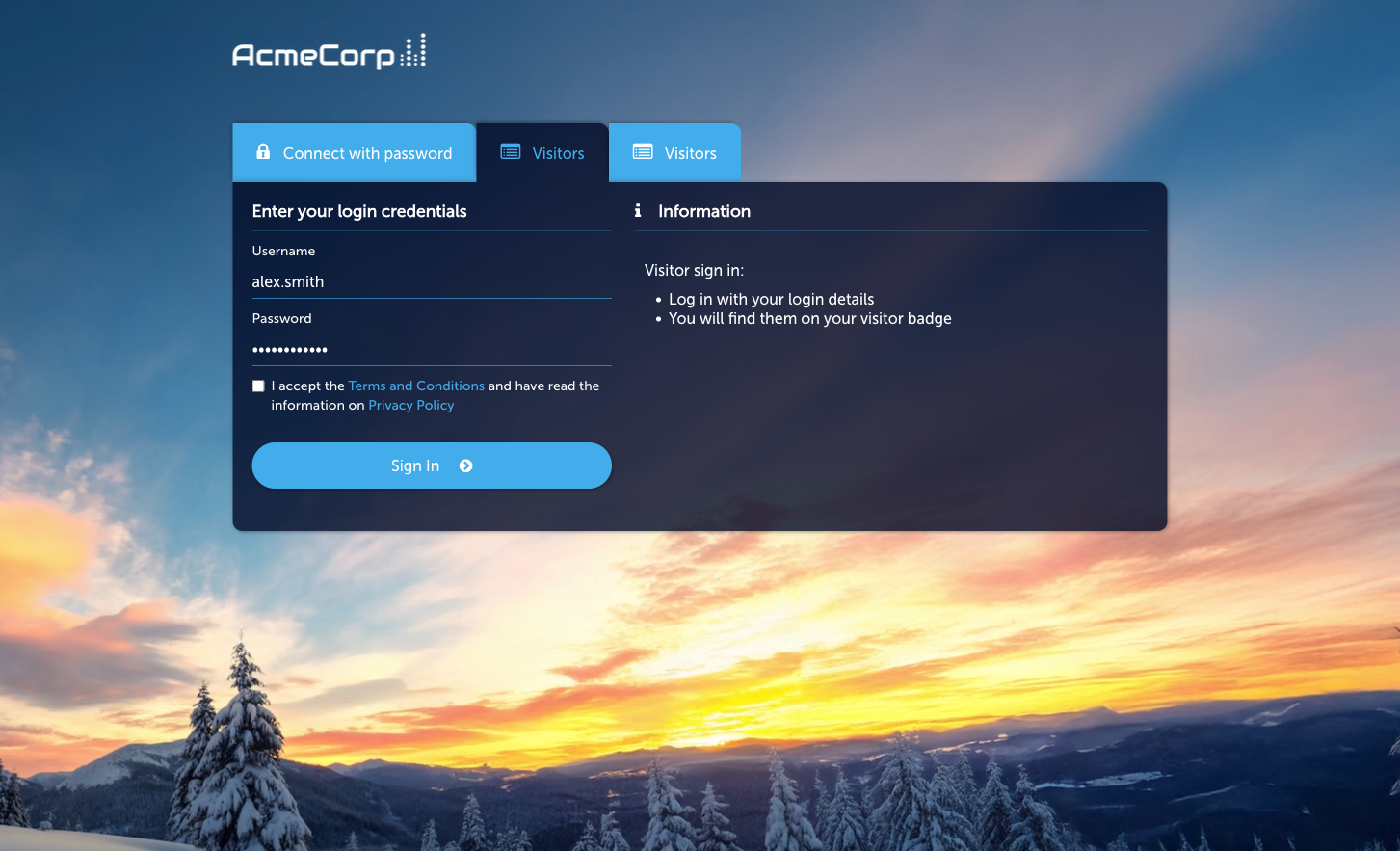
Section titled “How a guest signs in”- The guest picks RADIUS on the Captive Portal.
- They enter the username and password issued by the external system (library card number, visitor code, etc.).
- Sign In sends an
Access-Requestto the configured external RADIUS server. - On
Access-Accept, the guest is granted access per the applicable Access Policy.
Prerequisites
Section titled “Prerequisites”- A reachable external RADIUS server and a shared secret.
- Firewall rules permitting Sign In’s outbound RADIUS traffic to reach the server.
- Agreement with the RADIUS server’s operator that Sign In is authorised to submit authentication requests on behalf of guests.
Activate the module
Section titled “Activate the module”-
Open the module
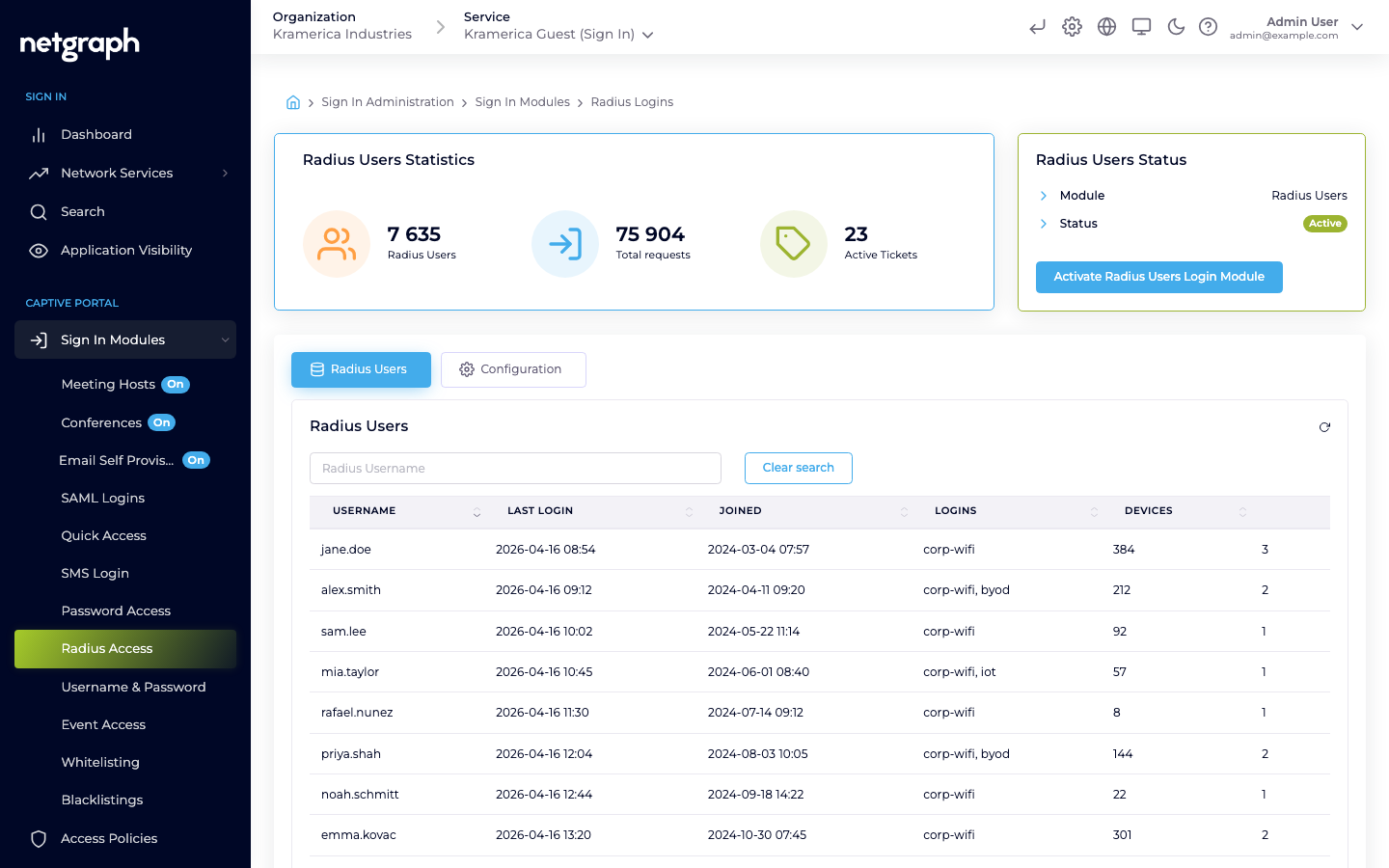
Go to Sign In Modules → Radius Access.
-
Configure the external RADIUS server
On the Configuration tab’s Radius Connection sub-tab, set the server host, port, shared secret, and timeout / retry behaviour.
-
Set session length and redirect
On the Session Length & Redirect sub-tab, set how long a successful RADIUS sign-in grants access and where the guest lands afterwards.
-
Activate
Click Activate Radius Users Login Module.
-
Test
Sign in with a known-good account from the external system. Watch the external RADIUS server’s logs to confirm the request arrived and was accepted.
Managing RADIUS guests
Section titled “Managing RADIUS guests”The main tab lists RADIUS-authenticated guests by username with last login, total logins, and devices.
- Filter by username.
- Revoke a guest — the next sign-in requires a fresh RADIUS round-trip against the external server.
Access Policies
Section titled “Access Policies”RADIUS is not gated by an Access Policy — if the module is active at Context level, it’s available to any guest who reaches the Captive Portal. Session length and redirect are controlled on the module’s Session Length & Redirect Configuration sub-tab.
Compared to SAML
Section titled “Compared to SAML”| Feature | RADIUS | SAML SSO |
|---|---|---|
| Identity backend | External RADIUS server | SAML IdP |
| Browser round-trip required | No | Yes |
| Password handling | Proxied via Sign In to the external server | Never touches Sign In — IdP handles |
| Typical setup effort | Low (shared secret) | Medium (an application in the IdP and the Organization’s SAML configuration) |
| Best for | Library systems, visitor systems, legacy credential stores | Corporate BYOD with modern IdPs |