Service Connector
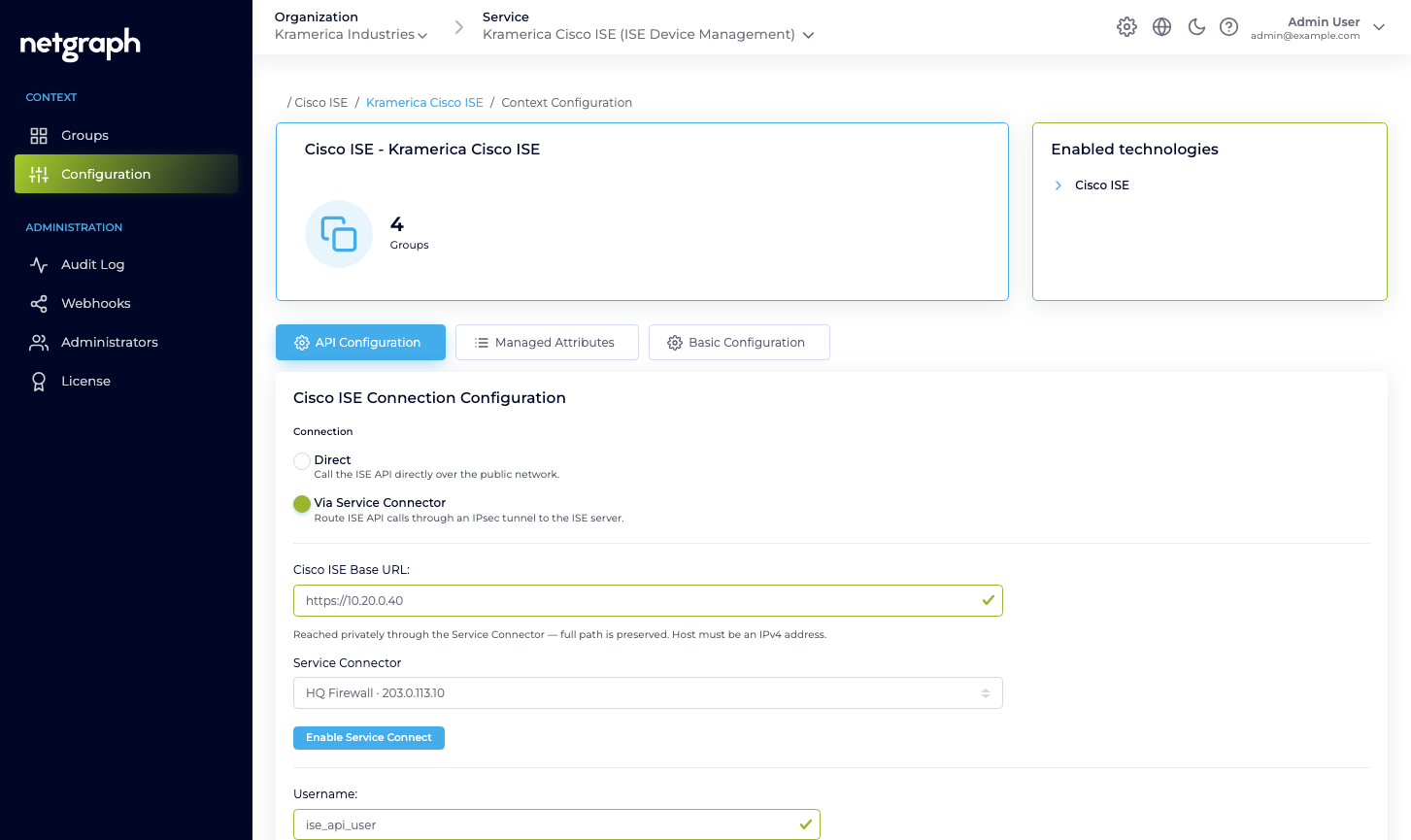
Reach your on-premises Cisco ISE privately over IPSec with a Service Connector, instead of HTTPS over the public internet. How it relates to the Cisco ISE connection.
By default the platform reaches your Cisco ISE over HTTPS from its egress FQDN (see Cisco ISE connection). A Service Connector is the alternative path: the platform’s access to your ISE management interface runs over a private IPSec tunnel to your network, so ISE need not accept connections from the public internet.
The platform's ISE API calls (ERS, Open API, and Monitoring) travel through the tunnel to your Cisco ISE, which no longer needs to accept connections from the public internet.
See Service Connector for the cross-Service concept and how a connector is stood up; this page covers what it means for Endpoint Manager specifically.
When to use it
Section titled “When to use it”- Your security policy keeps the ISE admin interface off the public internet.
- You already run an IPSec-capable firewall and prefer a private path from the platform to ISE.
- You want one private tunnel to carry Endpoint Manager alongside other Services (for example EntryPoint, or webhook deliveries to an internal endpoint) rather than exposing each over the internet.
How it works with the ISE connection
Section titled “How it works with the ISE connection”The Cisco ISE connection is unchanged: you still enable the three ISE API families, create the API user, and enter the Base URL, Username, and Password in API Configuration. The Service Connector only changes the network path the platform uses to reach that Base URL — the API calls (ERS, Open API, and Monitoring) travel through the private IPSec tunnel instead of over the public internet. The Cisco ISE API Status table still has to read Up for every API before the Context can manage anything.