
Click-to-Connect
Seamless guest WiFi with a single click. The guest confirms Terms and Conditions and is connected — no credentials, no approvals.
The Click-to-Connect module is the simplest sign-in flow Sign In offers. The guest confirms the Terms and Conditions, clicks once, and is immediately connected to the network. No credentials, no approvals, no extra steps.
Ideal for cafés, hotels, shopping malls, public spaces, and any other environment where ease of access matters more than identifying each guest.
How a guest signs in
Section titled “How a guest signs in”-
Select the guest WiFi network
The guest’s device joins the SSID and is redirected to the Captive Portal.
-
See the Click-to-Connect option
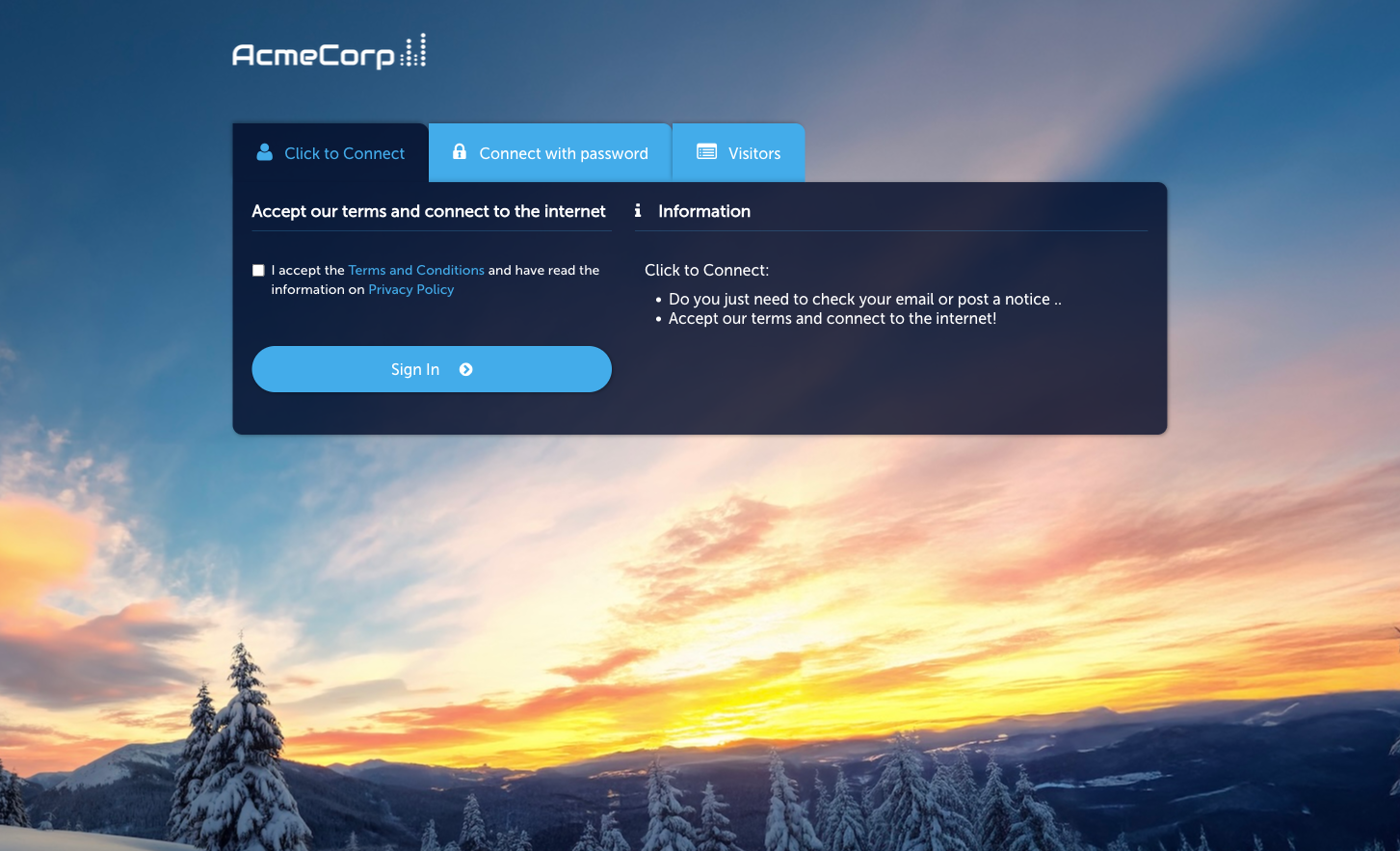
Among the active sign-in methods, the guest sees a Click-to-Connect button.
-
Accept terms and click
The guest acknowledges the Terms and Conditions and Privacy Policy, then clicks.
-
Redirected post-connect
Access is granted instantly, and the guest’s browser is redirected to the URL configured for this module — typically your organisation’s homepage, a promotional page, or a survey.
Activate the module
Section titled “Activate the module”Click-to-Connect is the product-facing name for the Quick Access module in the admin — the same module powers both surfaces.
-
Open the module
Go to Sign In Modules → Quick Access.
-
Activate
Click Activate Quick Access Login Module.
-
Set redirect and session duration
On the Configuration tab’s Session Length & Redirect sub-tab, set the session duration and the redirect URL used after sign-in.
Configuration
Section titled “Configuration”The module Configuration tab has three sub-tabs (the same as the Quick Access page):
- Session Length & Redirect — session duration and post-sign-in redirect URL.
- WiFi4EU (legacy) — legacy WiFi4EU programme support; leave off unless you specifically need it.
- Language Settings — per-language overrides for the Captive Portal strings.
When to use Click-to-Connect
Section titled “When to use Click-to-Connect”- You want the lowest-friction flow. No form, no verification, no approval.
- You don’t need to identify individual guests. If you do, use Self-Provisioning by Email or SMS.
- Your redirect can work as a brand or marketing surface. The post-connect redirect is a prime piece of attention — a well-chosen page can drive engagement immediately after sign-in.
Click-to-Connect is not gated by an Access Policy — if the module is active at Context level, the tile is available to every guest who reaches the Captive Portal.