

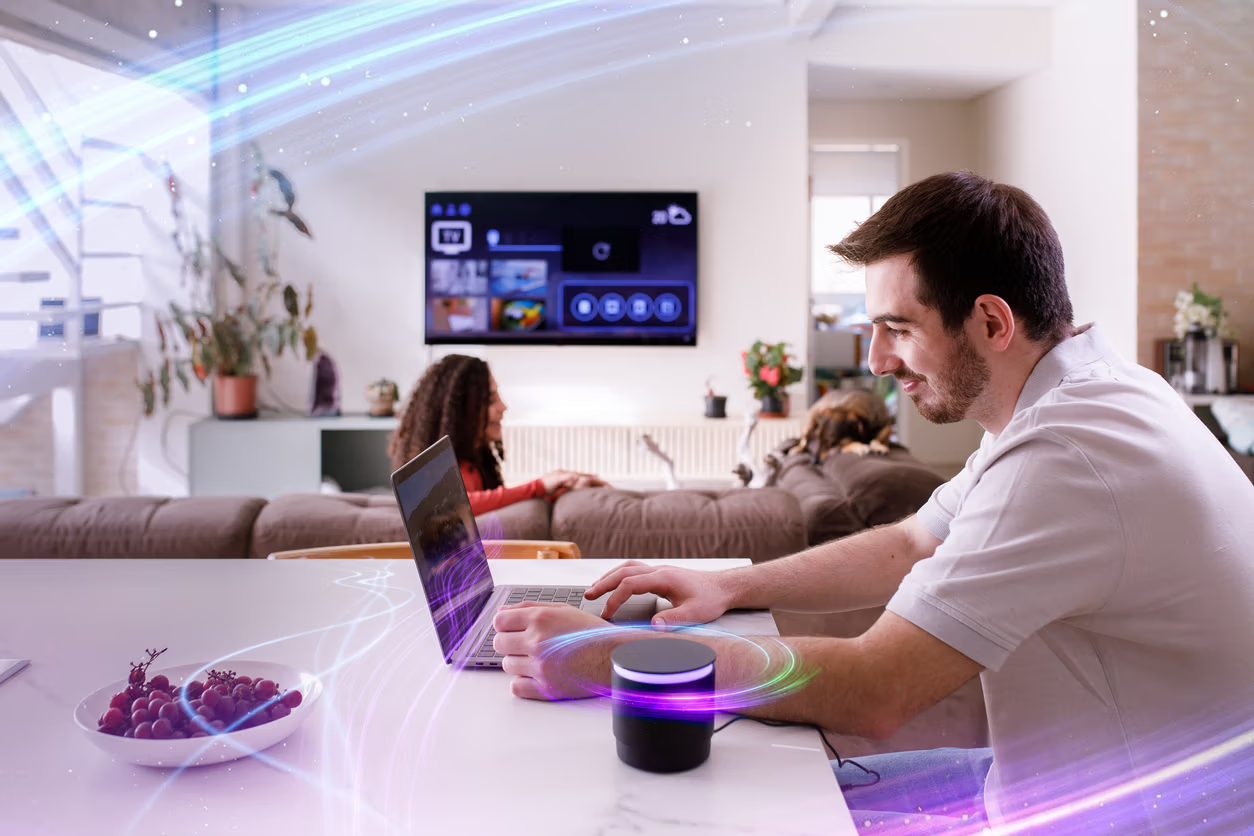
 01
01 Multi-Dwelling Units
Apartments, condos, and rental buildings. One SSID across the property, a private network per unit.

In multi-dwelling, student housing, elderly care, and co-working spaces, every resident needs their Wi-Fi to feel personal: their devices on their network, their casting working, their printer reachable.
EasyPSK gives each resident a unique passphrase on a shared SSID, and isolates them from everyone else automatically.
No per-room AP. No per-tenant SSID list. No quarterly password reset chaos.
01 Apartments, condos, and rental buildings. One SSID across the property, a private network per unit.
 02
02 Campus housing and student dorms. Each student gets their own private network: same SSID, full isolation.
 03
03 Care facilities and senior living. Easy onboarding, predictable access, comfort of a personal home network.
 04
04 Shared offices, hot-desks, and event spaces. Per-user keys with isolation between tenants.
 05
05 Sensors, printers, badge readers, smart locks. Pre-register MACs per group for iPSK-style enforcement on headless devices. Same EasyPSK platform.
You choose the Self-Service Experience when you set up EasyPSK: for the whole service, for a site, or for a single group.
One Wi-Fi name across the entire building. Each resident is on their own private network: invisible to everyone else, fully L2-isolated, roaming from apartment to lobby to laundry without re-typing a key.
Select a resident to see their private network
EasyPSK acts as the SSID's RADIUS server (Identity PSK with RADIUS) and resolves each key at connection time on Meraki MR access points. The Dashboard-API path, Meraki WPN, remains available as a secondary cloud-to-cloud option.
For enterprise estates running Cisco's Catalyst 9800 wireless controllers, EasyPSK acts as the SSID's RADIUS server and resolves each key at connection time: a personal key for everyone on one SSID, at any scale. EasyPSK via RADIUS runs on the EntryPoint engine, licensed on its own per Unit (a group of up to 30 devices) or from your shared EntryPoint endpoint pool. Meraki WPN is licensed per access point.
No device registration. Residents just type their personal PSK and they're on. The Self-Service Portal shows them every device that joined under their key. Block a stranger, see traffic per device, scan a QR for the next phone.


From a single property to a portfolio, the admin keeps the same shape. Group the groups into sites, give a Site manager role the sites it covers, and the staff run them from the Self-Service Portal while IT keeps the rules and the audit log.
Everything on this page, arranged to run in a meeting: the privacy idea, the spaces it fits, the resident and admin views, and the real product screens on Cisco Meraki and Catalyst 9800. It opens in your browser. Nothing to install.
Cookies help us improve this site. With your consent we also measure how it is used, with our own analytics and Google Analytics, configured with no advertising or cross-site tracking. Read our Privacy Policy for more.
When you visit our website it may store or retrieve information in your browser, mostly as cookies. This information is used to make the site work as you expect and, with your consent, to understand how it is used. Because we respect your privacy, you can choose not to allow some cookies. Note that blocking some of them may affect your experience.
These cookies are needed for the website to function and cannot be switched off. They are usually set only
in response to actions you take, such as signing in to internal areas or filling in a form. They store no
information that identifies you personally (cookie: ng_learn_session).
With your consent, we measure how the site is used: unique and returning visitors, approximate city and
region, time on a page, and entry and exit pages. This runs on our own first-party cookies
(ng_consent, ng_vid, ng_sid) and on Google Analytics
(_ga), configured so Google gets no advertising or cross-site signals. We never store your IP
address. If you do not allow this, we use only privacy-friendly, cookieless measurement.