
Attribute Profiles
Named bundles of RADIUS return attributes — VLAN, SGT, tunnel attributes — reused across Groups.
An Attribute Profile is a named bundle of RADIUS return attributes. When a device successfully authenticates through a Group, EntryPoint sends back the attributes from the Profile(s) the Group references. That’s how you push a device onto a specific VLAN, tag it with a Security Group Tag, or set a tunnel private group ID.
Profiles live at Context scope, not Group scope — one Profile can be reused by many Groups.
Where profiles are configured
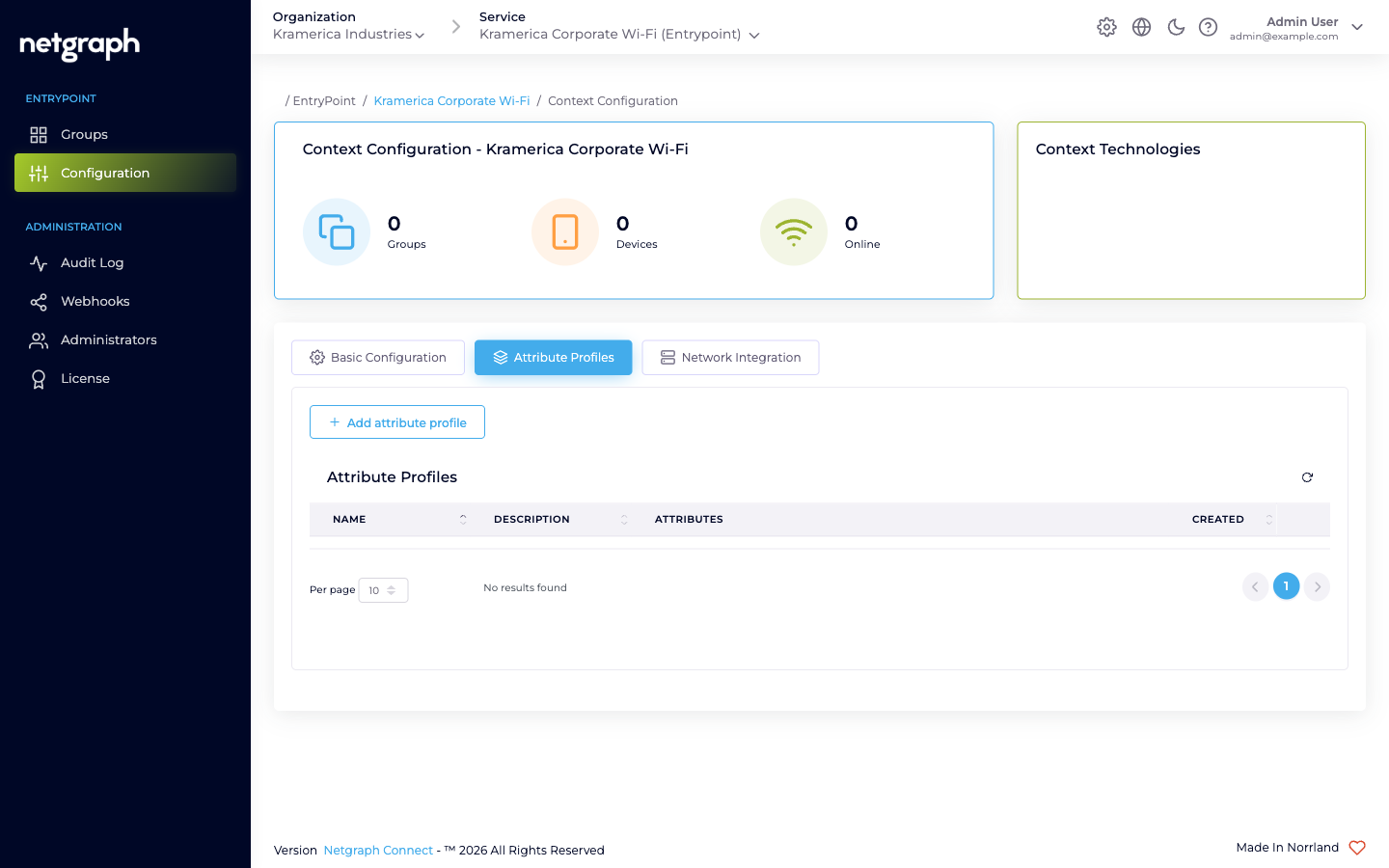
Section titled “Where profiles are configured”Open the Context’s Configuration → Attribute Profiles tab. A fresh Context shows an empty table with columns for Name, Description, Attributes, and Created.
Creating a profile
Section titled “Creating a profile”Click Add attribute profile to open the Create Attribute Profile dialog. A profile has three fields plus one-or-more attribute rows.
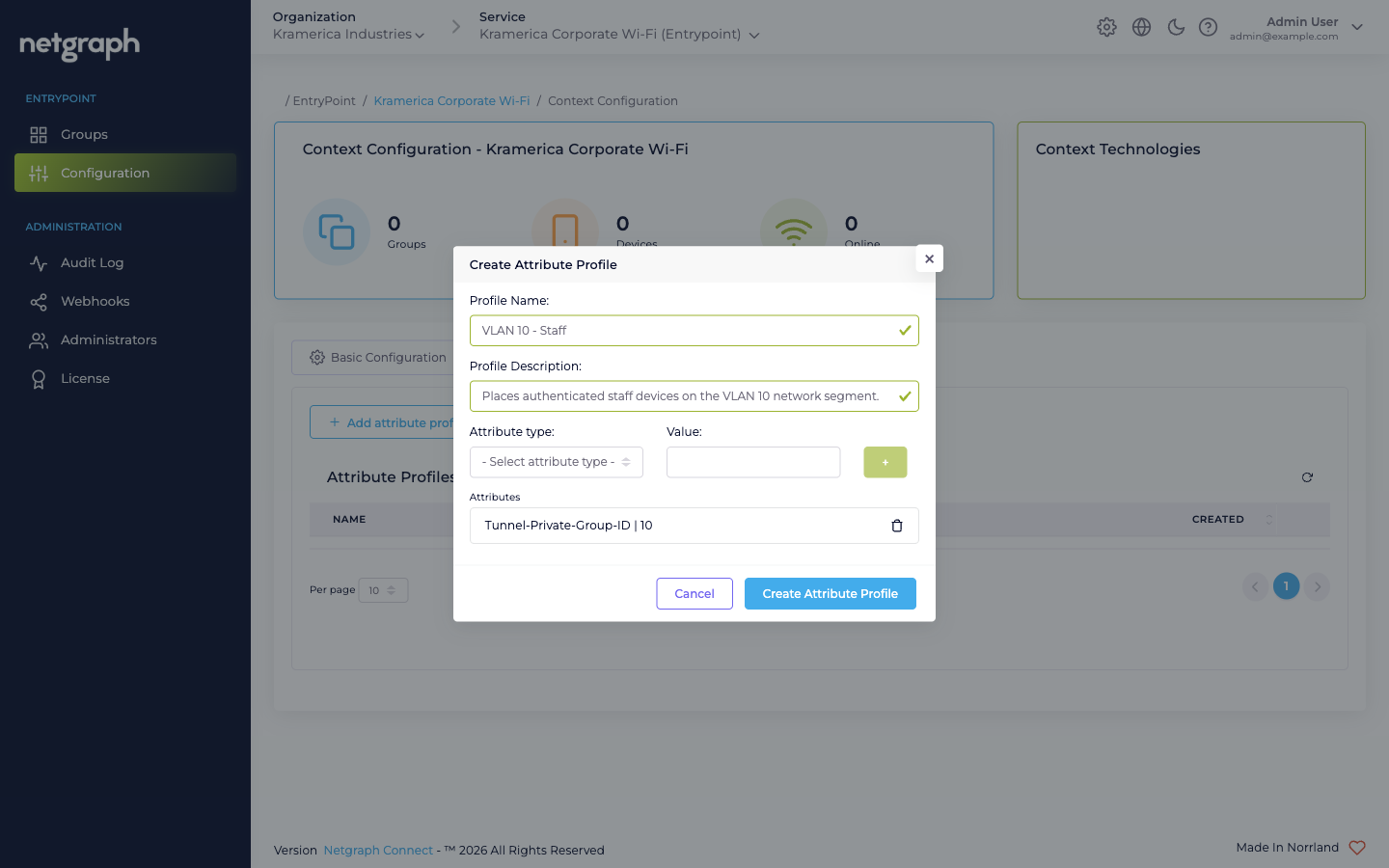
- Profile Name — free-text identifier, up to 64 characters (it’s lower-cased when saved).
- Profile Description — free-text, up to 80 characters.
- Attribute type (dropdown) — one of the RADIUS attribute types the service supports.
- Value — the value to send for that attribute.
- The + button adds the (type, value) row to the Attributes list. Add as many attributes to one profile as you need.
Attribute types available
Section titled “Attribute types available”The type dropdown lists:
Cisco:cisco-av-pair— vendor-specific Cisco AV pair. Used for Cisco-only attributes like Security Group Tags (cts:security-group-tag=<sgt>), Cisco Meraki UDN tags (udn:private-group-id=<id>), or URL redirects.IEEE:Tunnel-Type— typically13(VLAN), paired withTunnel-Medium-TypeandTunnel-Private-Group-IDto assign a VLAN.IEEE:Tunnel-Medium-Type— typically6(IEEE-802) for Wi-Fi.Tunnel-Private-Group-ID— the VLAN ID itself (as a string).
Using a profile
Section titled “Using a profile”A Profile is attached to a Group by name. The attachment lives on the Group’s Settings:
- Dot1x Groups reference Attribute Profiles via the group’s configuration card.
- Radius Proxy Contexts reference Attribute Profiles on the Default Device Group (the only Group in a Proxy Context).
- iPSK Contexts have a Default attribute profiles card at Context level that applies to all Groups unless overridden.
Example: VLAN assignment
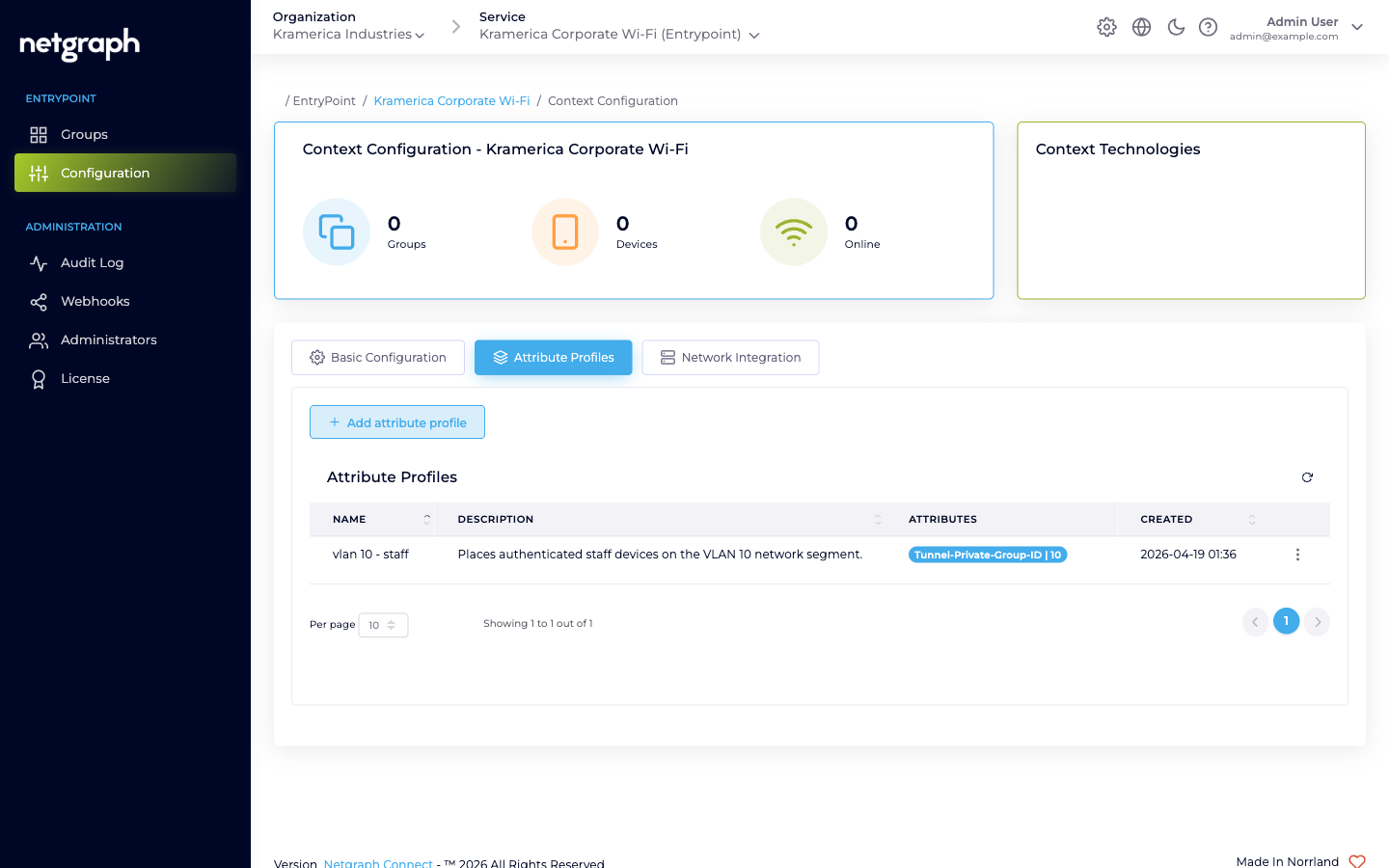
Section titled “Example: VLAN assignment”To drop authenticated devices onto VLAN 10, create a profile (e.g. VLAN 10 - Staff) with three attributes:
| Attribute type | Value |
|---|---|
IEEE:Tunnel-Type | 13 |
IEEE:Tunnel-Medium-Type | 6 |
Tunnel-Private-Group-ID | 10 |
Attach the profile to the Group whose members should land on VLAN 10. The same three attributes work on both Cisco Meraki and Catalyst 9800; on Meraki, the SSID’s VLAN setup must be set to let the RADIUS response override the VLAN tag.
Example: Cisco Meraki micro-segmentation with a UDN tag
Section titled “Example: Cisco Meraki micro-segmentation with a UDN tag”On Cisco Meraki, the Groups sharing one Identity-PSK-with-RADIUS SSID are not isolated from each other by default: without a UDN tag, every client on the SSID can reach every other, whatever key it joined with. To fence each Group into its own personal network, the Context returns a UDN (User Defined Network) tag in the Access-Accept, as a single Cisco AV-pair. Create one profile per Group, each with its own id:
| Attribute type | Value |
|---|---|
Cisco:cisco-av-pair | udn:private-group-id=500 |
- The value is case-sensitive and lowercase. The id is a number in the range 2–16777200 (1 is reserved). Give each Group a distinct id.
- On the Meraki SSID, enable the WPN checkbox so the access points accept the UDN id from the RADIUS response (MR 30.6 or newer recommended).
Clients that receive the same UDN tag can see and reach each other; clients with different UDN tags are isolated, even on the same SSID, VLAN, and IP range.
Note
This is a Cisco Meraki requirement. On a Cisco Catalyst 9800, the WLC keeps Identity-PSK groups segmented through its own iPSK tag, so no UDN attribute is needed: return only the VLAN or other policy attributes the Group should get.
Example: Security Group Tag (SGT)
Section titled “Example: Security Group Tag (SGT)”A Security Group Tag rides in a Cisco AV-pair too. Meraki Adaptive Policy and Catalyst TrustSec expect the tag in hexadecimal with a revision suffix:
| Attribute type | Value |
|---|---|
Cisco:cisco-av-pair | cts:security-group-tag=0fa0-00 |
Convert the decimal SGT to four hex digits and append a revision (the
revision does not matter, -00 is fine): SGT 4000 is 0fa0, so
the value is cts:security-group-tag=0fa0-00. The tag is sent on every
successful authentication for the Groups the profile is attached to.