← Back to Sign In
Sign-in method · Self-provision via email

Anonymous Wi-Fi
is a missed opportunity.

Built for hospitality, enterprise, and education: users sign in with their email, verify, manage their own devices, and stay on policy — without a help-desk ticket. Verifiable identity and a usable marketing channel from every session.

Identity Verified email
Marketing Opt-in list, GDPR-clean
Self-service Devices, opt-in, delete
01
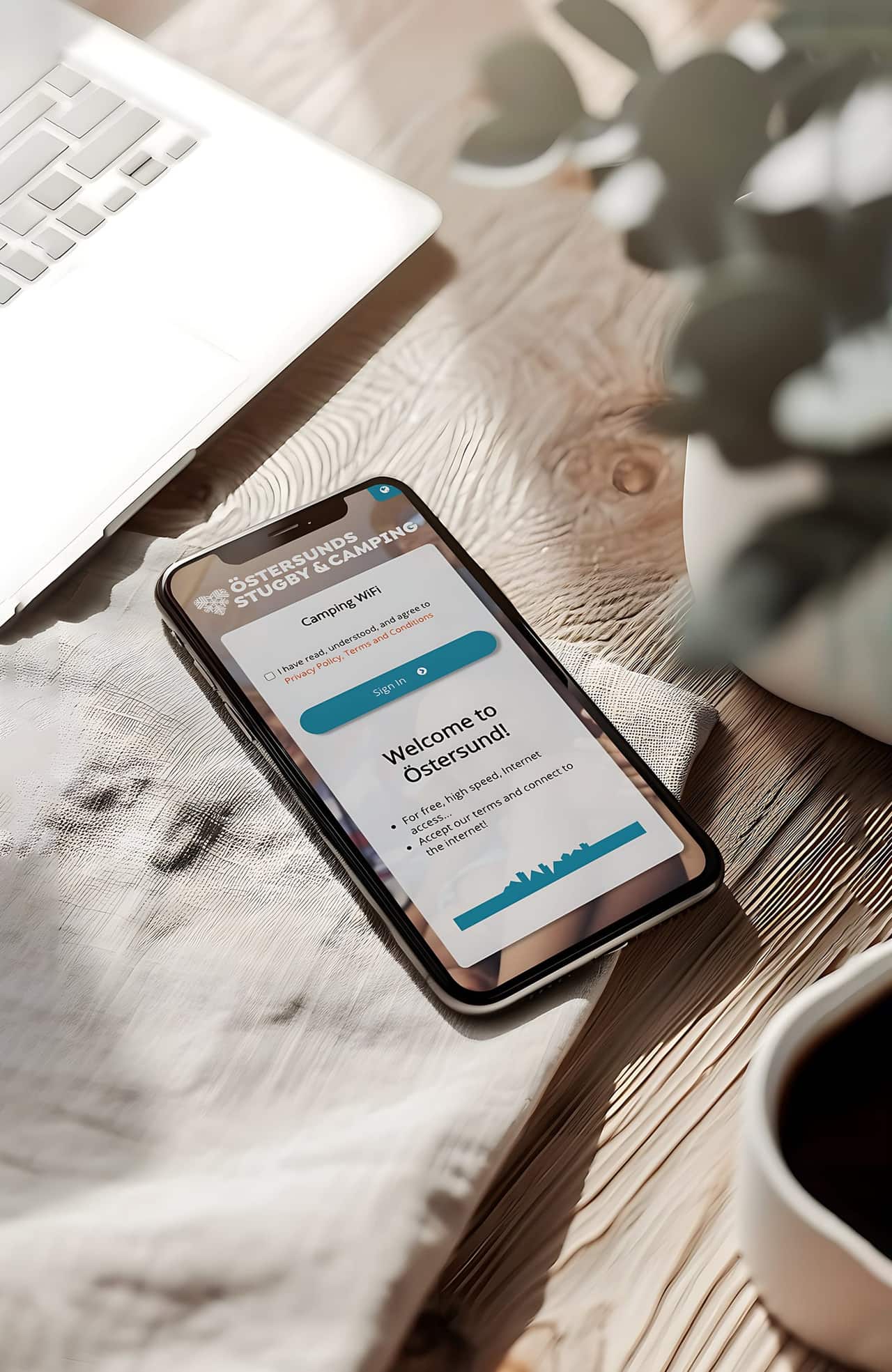
Connect to Wi-Fi
Email Address
guest@acmecorp.com
I accept the Terms
Enter email · accept terms
02
netgraph@acme.com
Verify your access
Tap the link below to confirm…
Email arrives · one tap
03
You're verified
Full session, per policy
Verified · access extended
What's broken today

Open Wi-Fi is a cost center

You give away bandwidth for free, learn nothing about who's using it, and have nothing to show for it when compliance asks.

No identity, no traceability

Anonymous sessions are great for users, terrible for compliance. You can't answer "who connected" because nobody told you.

Marketing learns nothing

Thousands of guests pass through. None of them turn into a contact. The email list never grows.

Devices linger forever

Once a device is on, it's on. No way to enforce a session length or revoke access cleanly.

Mixed-purpose policies clash

Students, staff, guests — all on one open SSID with one set of rules. Nobody gets exactly what they need.

The sign-in flow

Four steps. Most happen quietly.

01

Guest enters email

One field on a branded captive portal. Optional newsletter opt-in checkbox.

02

Short window of access

Immediate connection for a configurable preview period — long enough to read the verification email.

03

One-click verification

The guest clicks the email link. Access extends to the full session length per policy.

04

Auto-revoke at end

Session expires per policy. Guest re-verifies for the next visit.

See everything that matters

Guests onboard themselves — marketing benefits.

The guest experience handles itself. Marketing gets opt-in contacts they can actually use. IT gets verified identities and per-policy session limits.

01

Every email, every session

Verified identity tied to every session. Search by email, filter by domain, export per period.

02

Session length per identity

How long each guest stays. Spot the heavy users, the one-off visitors, and the regulars.

03

Devices per identity

Phone, laptop, tablet — see the full device set per email and enforce quotas if you want.

04

Where they connected

Site, building, AP. Multi-location reporting per identity, per domain, per policy.

05

Marketing-ready exports

Opt-in email lists per period, segmented by domain. Drop into your CRM or campaign tool.

06

GDPR-ready, audit-ready

Configurable retention, per-user delete, and audit trails for every consent and session.

Where it fits

Built for places where guests pass through

01

Hospitality

Hotels, restaurants, lounges — verified guest identities and an opt-in mailing list.

02

Enterprise guest

Corporate guests get a clean experience; IT gets verified identities for audit trails.

03

Schools & universities

Per-cohort policies — semester-long for students, per-day for visitors, all from one portal.

04

Public Wi-Fi

Town squares, transport hubs, libraries — verifiable identity for accountable open access.

Pair it with

Different audiences, different identity channels

Safe. Simple. Smooth. — see for yourself.

A short demo, anywhere from 30 minutes to an hour, depending on what you want to dig into. Bring your toughest requirements. We'll show you how Netgraph handles them.

Book a demoRead the docs