Long-lived shared secrets
The Wi-Fi password is in the calendar invite, on a Post-it under the printer, in a customer email from 2022. Once it's out, you can't take it back.

Time-bound network passwords that rotate on a schedule you control. Distributed automatically by email, public URL and digital signage. When they expire, every device on them drops automatically.
One schedule, set once. Sign In rotates the password, notifies subscribers, updates the public URL and signage. Old sessions drop, new sessions onboard.
The "guest Wi-Fi password" is usually a single string everyone in the building knows by heart, written somewhere they shouldn't. Rotating it breaks everyone. Not rotating it breaks compliance.
The Wi-Fi password is in the calendar invite, on a Post-it under the printer, in a customer email from 2022. Once it's out, you can't take it back.
Every change means another email blast, another sticker on the wall, another week of "the Wi-Fi isn't working" tickets. So nobody rotates.
Anyone who knew the password three months ago might still be on the network. Nobody can answer "who connected last Thursday?" with confidence.
Every guest still asks. Every staff member still types it on the whiteboard. Every coffee meeting eats reception's time.
Set the schedule once. Pick the channels. The password lands in inboxes, on signage and at the public URL the moment it becomes active.
Branded email lands in every inbox the moment rotation fires. GDPR-clean opt-in, one-click unsubscribe.
Embed in intranet, hand to digital signage, generate a printable QR poster. One source of truth.
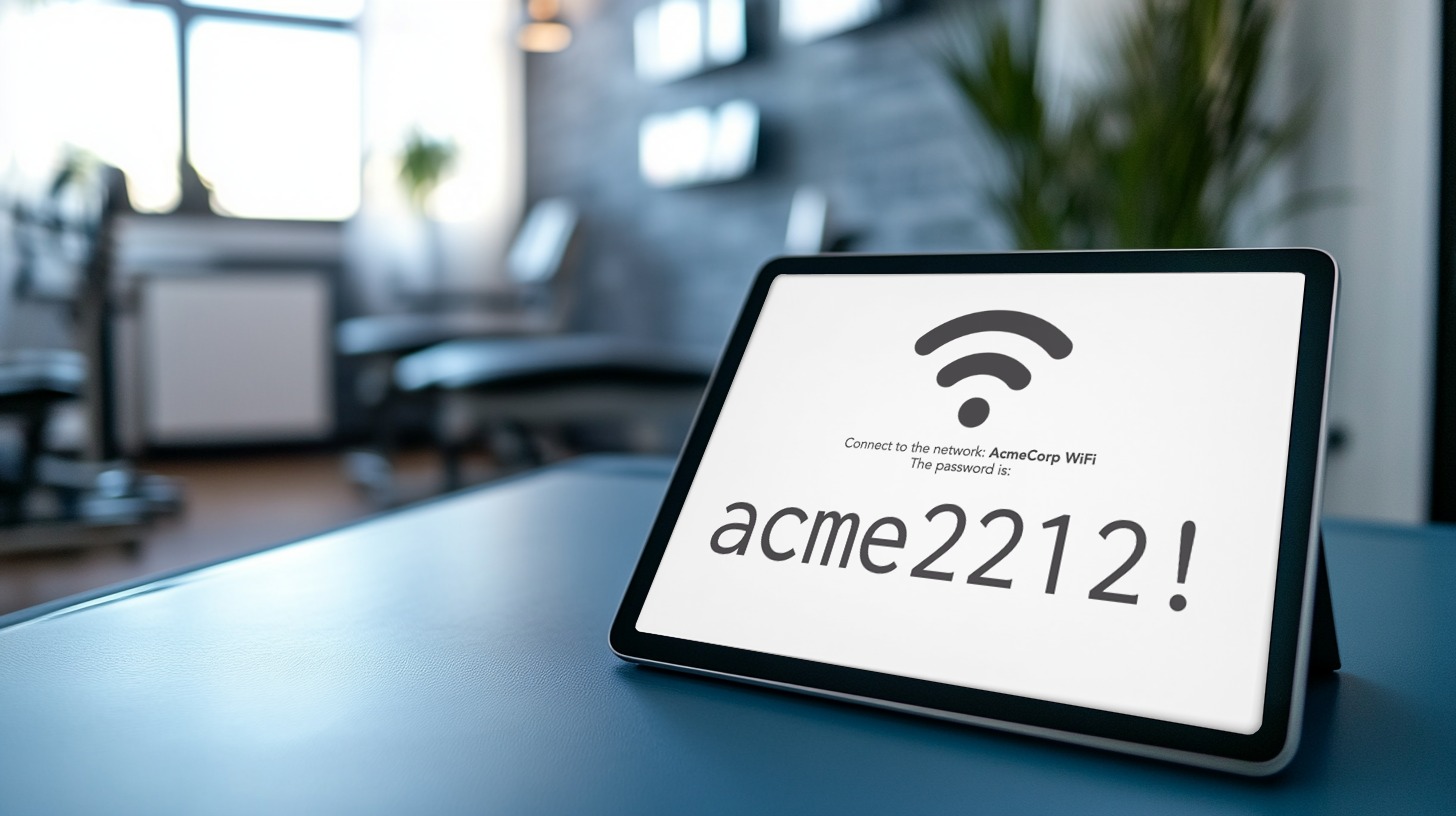
Lobby tablets, reception displays, conference room TVs. Pulled live from the URL, refreshed when the password rolls.
The end user sees a password and joins the network. Everything else happens behind the scenes, on a schedule you set once.
Pick a duration (day / week / month), choose how the password is generated, and decide who gets notified when it rolls.
Subscribers receive it by email, an intranet page pulls it from its public URL, or it shows up on the lobby digital sign, whichever channel fits.
The captive portal accepts the password. Per-session policy applies: VLAN, ACLs, redirects. The user is on within seconds.
Every device authenticated with that password drops. Re-authentication with the new active password is the only way back in.
Time-bound passwords are only useful if you can see who used them, when, and from where. Sign In ties every session to the password it was authenticated with, and to the device that authenticated.
Every session attributed to the password that opened it. Trace activity back to a specific cycle.
Session length per device, per password. A phone online for 27 hours straight stands out.
Phone, laptop, IoT: operating system and device fingerprint, not just MAC address.
Every login is recorded with its site. Useful for multi-location estates and incident response.
When the password expires, every device using it drops. No 'ghost' devices lingering on the network.
Export per period: passwords, sessions, devices, locations. Compliance becomes a copy-paste exercise.
Daily passwords on a guest-room TV. Weekly passwords on the lobby sign. Monthly passwords for residents.
Monthly password emailed to all members. Public URL for the lobby tablet. New month, new password, no friction.
Per-event password. Distributed via the speaker pack and the on-site signage. Auto-revoked after the event.
Weekly staff Wi-Fi password posted in the break room. Rotates automatically. No long-lived secrets in the wild.
Cookies help us improve this site. With your consent we also measure how it is used, with our own analytics and Google Analytics, configured with no advertising or cross-site tracking. Read our Privacy Policy for more.
When you visit our website it may store or retrieve information in your browser, mostly as cookies. This information is used to make the site work as you expect and, with your consent, to understand how it is used. Because we respect your privacy, you can choose not to allow some cookies. Note that blocking some of them may affect your experience.
These cookies are needed for the website to function and cannot be switched off. They are usually set only
in response to actions you take, such as signing in to internal areas or filling in a form. They store no
information that identifies you personally (cookie: ng_learn_session).
With your consent, we measure how the site is used: unique and returning visitors, approximate city and
region, time on a page, and entry and exit pages. This runs on our own first-party cookies
(ng_consent, ng_vid, ng_sid) and on Google Analytics
(_ga), configured so Google gets no advertising or cross-site signals. We never store your IP
address. If you do not allow this, we use only privacy-friendly, cookieless measurement.