Cleanup never happens
The event ends Friday. Monday morning the temporary access is still working. So is the temporary password.

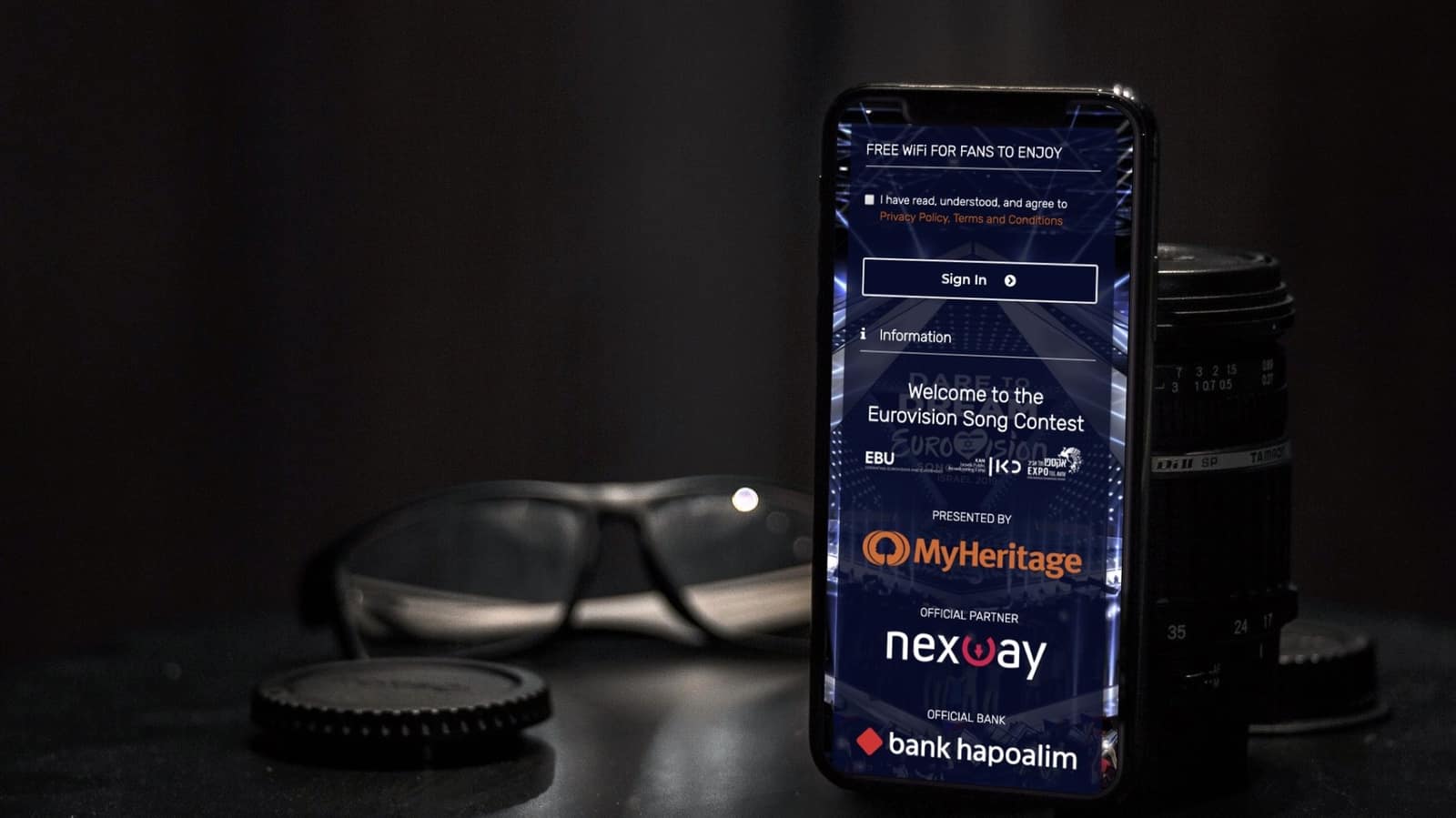
Schedule a network-access window with a defined start and end. The captive portal accepts attendees during the window. The doors close on time. No manual cleanup, no leftover access, no forgotten temporary passwords.
Three windows, three states. Auto-revoke fires the moment a window ends: every device drops, no human cleanup required.
Every event leaves a trail of "we'll clean it up after" decisions that nobody comes back to. The temporary password becomes the permanent password. Two years later, you're still finding event access from things that finished long ago.
The event ends Friday. Monday morning the temporary access is still working. So is the temporary password.
Every event is a fresh provisioning project. Recurring events do the same work over and over.
"How many people came?" turns into "how many people connected?", and nobody knows that either.
A captive event portal could be a sponsor surface or signup form. Most are blank.
Pick start, pick end. Optional check-in flow: terms, attendee form, sponsor splash.
The captive portal accepts attendees during the window. Per-event redirect to agenda or signup.
Window ends, every device drops. No leftovers, no cleanup ticket, no lingering access.
Event organizers run their own access. The team that books the venue is the team that controls the network. IT defines the policy template, and everything else is delegated.
Real-time view of devices on the network during the event. Spot the rush, plan the next one.
Per-minute attendance curve. When did people arrive, when did they leave, when did they engage.
Phone vs tablet vs laptop, OS distribution. Useful for sponsor content and bandwidth planning.
Network traffic in Mbps beside the device count, over the period you choose. See what the crowd actually used.
The window closes and every device drops. No leftovers, no "did we close it?" questions.
Total reach, engagement breakdown, attendee form exports. Marketing gets ROI numbers, not vibes.
One-off events with a defined window: open at start, close at end, no leftovers.
Big-spike attendance with a hard end time. Capacity planning data included.
Temporary retail, brand activations, weekend markets: temporary by design, traceable by default.
Town halls, member meetings, public consultations, with Wi-Fi just for the duration.
Cookies help us improve this site. With your consent we also measure how it is used, with our own analytics and Google Analytics, configured with no advertising or cross-site tracking. Read our Privacy Policy for more.
When you visit our website it may store or retrieve information in your browser, mostly as cookies. This information is used to make the site work as you expect and, with your consent, to understand how it is used. Because we respect your privacy, you can choose not to allow some cookies. Note that blocking some of them may affect your experience.
These cookies are needed for the website to function and cannot be switched off. They are usually set only
in response to actions you take, such as signing in to internal areas or filling in a form. They store no
information that identifies you personally (cookie: ng_learn_session).
With your consent, we measure how the site is used: unique and returning visitors, approximate city and
region, time on a page, and entry and exit pages. This runs on our own first-party cookies
(ng_consent, ng_vid, ng_sid) and on Google Analytics
(_ga), configured so Google gets no advertising or cross-site signals. We never store your IP
address. If you do not allow this, we use only privacy-friendly, cookieless measurement.